
Live Monitoring (Removed)
REMOVED IN v18
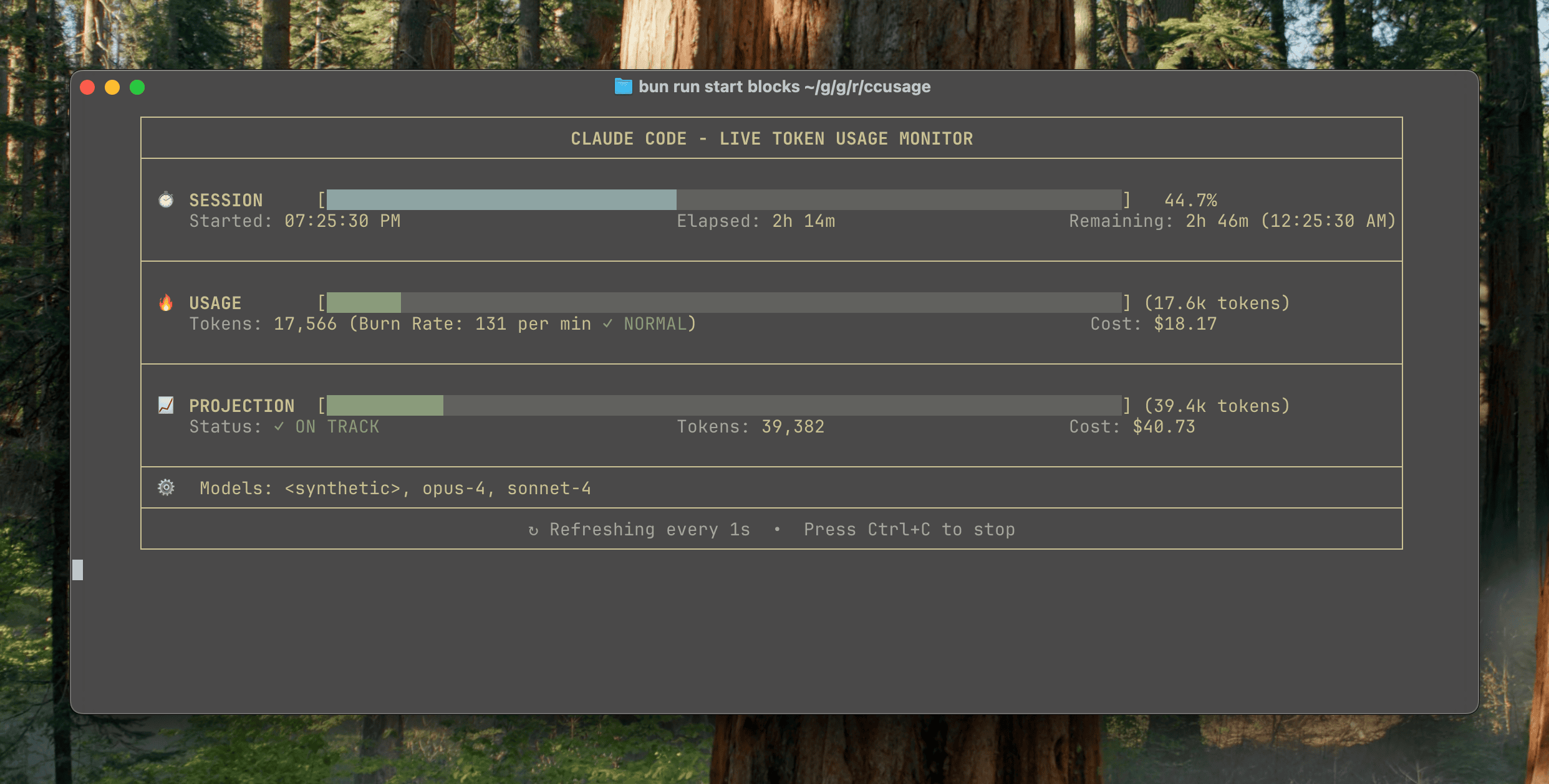
The blocks --live monitor feature has been removed in v18.0.0. This feature is available in v17.x.
Historical Reference (v17.x)
The following documentation is preserved for users on v17.x.
Quick Start
bash
ccusage blocks --liveThis starts live monitoring with automatic token limit detection based on your usage history.
Features
Real-time Updates
The dashboard refreshes every second, showing:
- Current session progress with visual progress bar
- Token burn rate (tokens per minute)
- Time remaining in current 5-hour block
- Cost projections based on current usage patterns
- Quota warnings with color-coded alerts
Command Options
Token Limits
Set custom token limits for quota warnings:
bash
# Use specific token limit
ccusage blocks --live -t 500000

# Use highest previous session as limit (default)
ccusage blocks --live -t max
Refresh Interval
Control update frequency:
bash
# Update every 5 seconds
ccusage blocks --live --refresh-interval 5

# Update every 10 seconds (lighter on CPU)
ccusage blocks --live --refresh-interval 10
Keyboard Controls
While live monitoring is active:
- Ctrl+C: Exit monitoring gracefully
- Terminal resize: Automatically adjusts display
Related Commands
- Blocks - Static 5-hour block analysis
- Session Usage - Historical session data
- Daily Usage - Day-by-day usage patterns